

Set an Initial Keyword Search and Go to the First Occurrence
Scenario
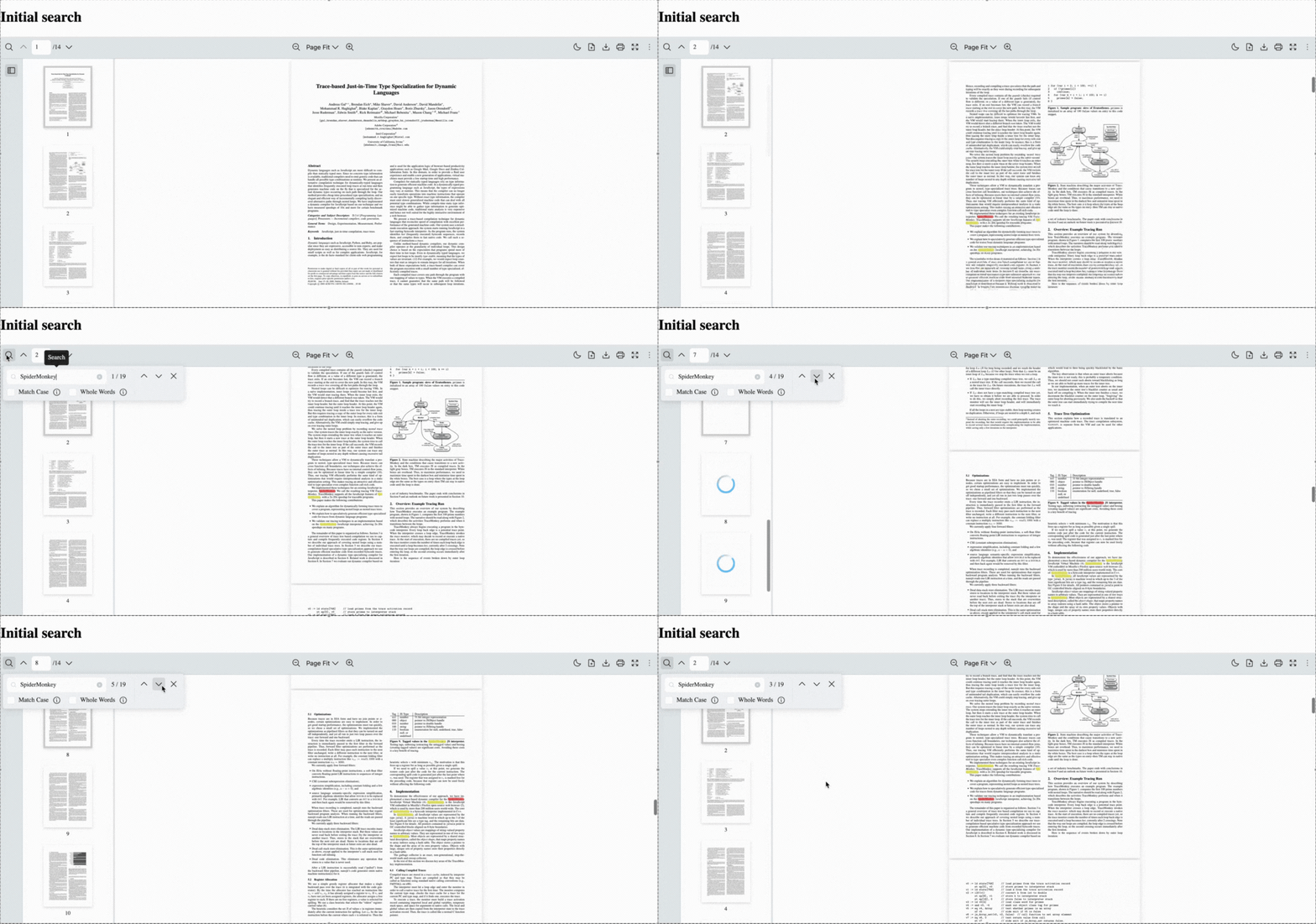
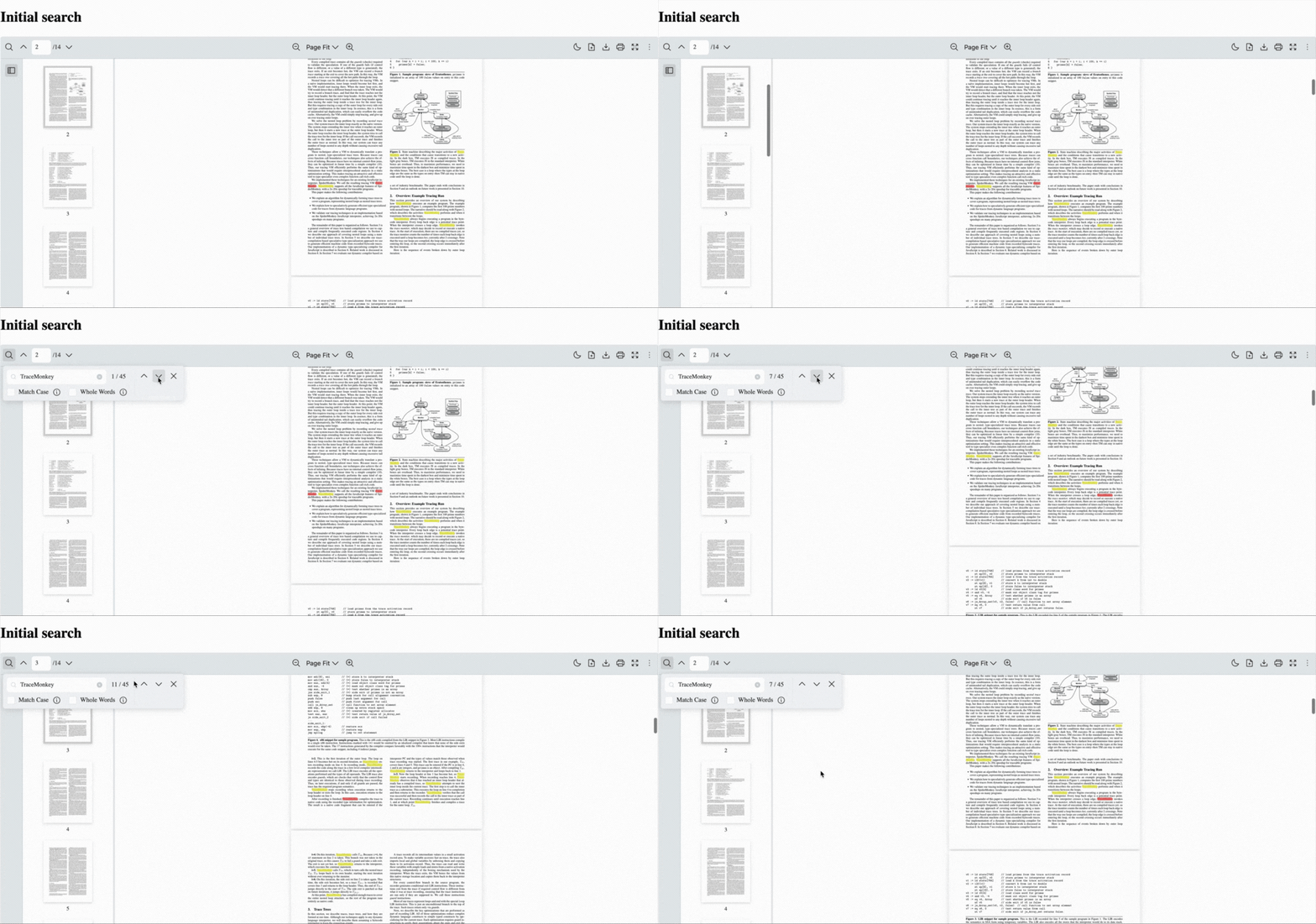
Section titled “Scenario”You want the PDF viewer to automatically search for a specific keyword as soon as the document loads and immediately navigate to the first occurrence of that keyword. This allows users to jump directly to relevant content without manually opening the search bar or typing a query.
This is useful when:
- You want to deep-link readers to a term inside a long document
- You need to guide users to a specific section in contracts, reports, or manuals
- You want to pre-highlight terms during review or onboarding flows
- Your app requires showing context-sensitive information immediately on load
What to Use
Section titled “What to Use”By setting the initialSearch prop on the RPProvider component, the Viewer searches and highlights the keyword matches across the PDF and scrolls to the first one automatically.
| Prop | Type | Description |
|---|---|---|
| initialSearch | string | Set a keyword to search for when the PDF loads. Automatically highlight all matches and scroll to the first occurrence. |
import {  RPConfig,  RPProvider,  RPDefaultLayout,  RPPages,} from "@pdf-viewer/react";import React from "react";
export const AppPdfViewer = () => {  return (    <>    <h1>Initial search</h1>      <RPConfig  licenseKey="YOUR_LICENSE_KEY">        <RPProvider          // The keyword to search for when the PDF loads          initialSearch="TraceMonkey"          src="https://raw.githubusercontent.com/mozilla/pdf.js/ba2edeae/web/compressed.tracemonkey-pldi-09.pdf"        >          <RPDefaultLayout>            <RPPages/>          </RPDefaultLayout>        </RPProvider>      </RPConfig>    </>  );};
import { RPConfig, RPProvider, RPDefaultLayout, RPPages,} from "@pdf-viewer/react";import React, { type FC } from "react";
export const AppPdfViewer : FC = () => { return ( <> <h1>Initial search</h1> <RPConfig licenseKey="YOUR_LICENSE_KEY"> <RPProvider // The keyword to search for when the PDF loads initialSearch="TraceMonkey" src="https://raw.githubusercontent.com/mozilla/pdf.js/ba2edeae/web/compressed.tracemonkey-pldi-09.pdf" > <RPDefaultLayout> <RPPages/> </RPDefaultLayout> </RPProvider> </RPConfig> </> );};